Turn Photos into 3D Cartoons
Turn any photo into a 3D animated cartoon character. Add a voice, lip-sync it, and export studio-quality cartoon videos for social media and ads.
Transform any image into stunning 3D cartoon style with AI. Create animated cartoons with voice and lip sync for engaging content.
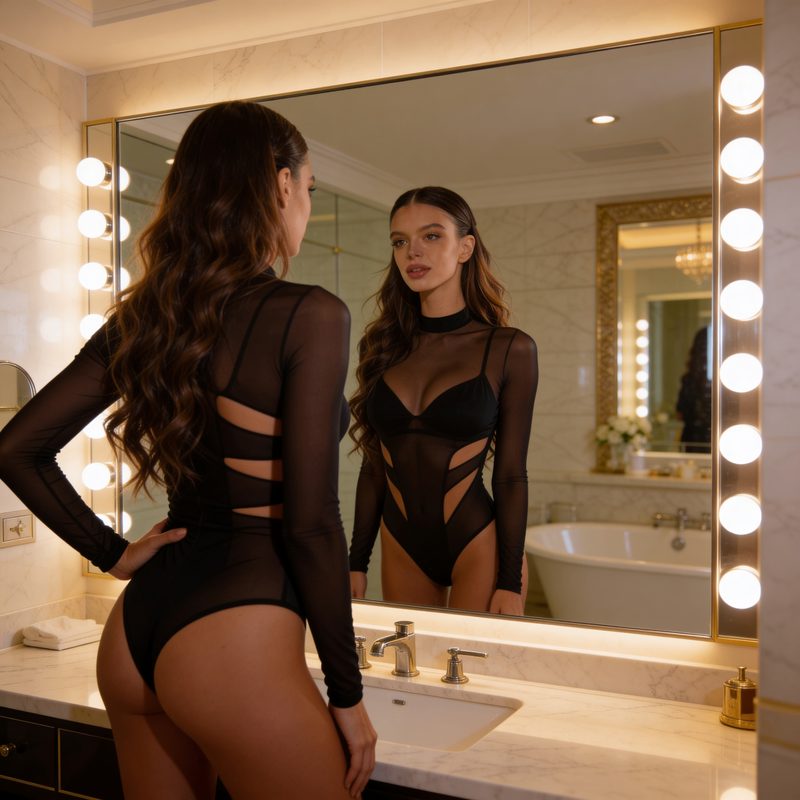
Original Photo
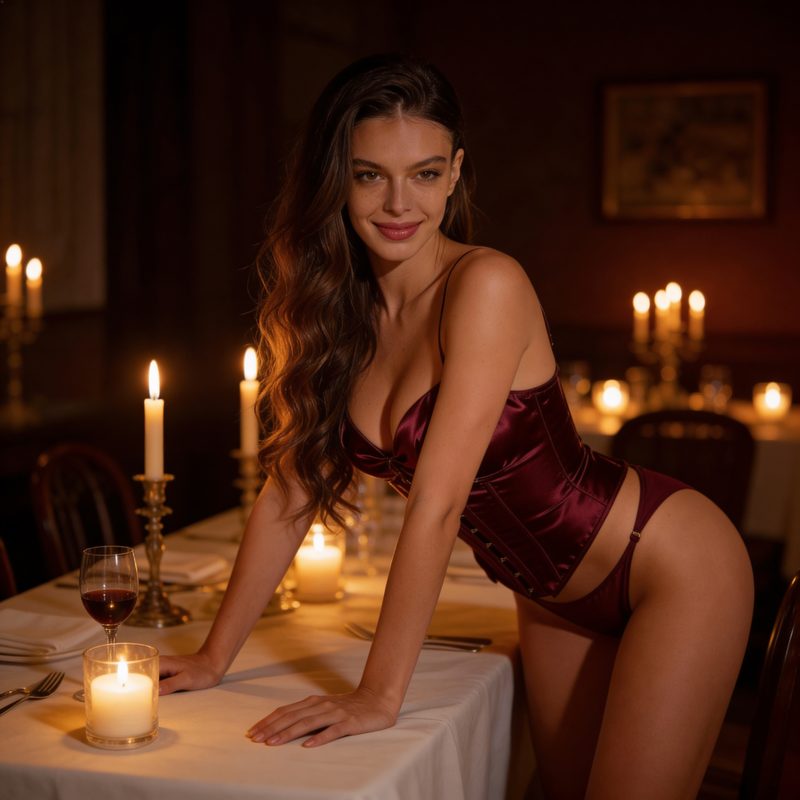
3D Cartoon
How It Works
Create cartoons in three simple steps
Upload Your Photo
Upload any photo you want to cartoonify.
Choose Style
Select from various 3D cartoon and animation styles.
Generate Cartoon
AI transforms your photo into stunning cartoon art.
Powerful Features
Everything you need for cartoon creation
Multiple Styles
3D cartoon, anime, comic book, and more artistic styles.
Animated Cartoons
Convert static cartoons into lively animated videos.
Voice Integration
Add scripts and voices with perfect lip sync.
Instant Results
Get professional cartoon art in seconds.
Perfect for Every Creator
Why AI Cartoon Generator?
Loved by Creators
"The 3D cartoon generator is amazing! I use it for all my social media profile pictures and content."
"Perfect for creating unique brand mascots. The animation feature brings characters to life beautifully."
"I create educational content with cartoon characters. Kids love the animated videos we make!"
The Complete Guide to AI 3D Cartoon Generators
An AI 3D cartoon generator turns an ordinary photo into a polished, studio-style cartoon character in seconds. Pixla AI reads facial structure, expression, and lighting, then re-renders everything in your chosen art style while keeping the person instantly recognizable.
What Is a Photo-to-Cartoon Generator?
A photo-to-cartoon generator is an AI tool that analyzes a real image and reconstructs it as illustrated artwork. Instead of applying a flat filter, Pixla AI rebuilds the subject with depth, soft shading, stylized eyes, and clean line work so the result looks like it was drawn by a professional 3D artist rather than processed by a phone app.
The model preserves the details that make a face unique, the shape of the smile, hairstyle, glasses, and skin tone, while translating them into a cohesive cartoon language. That balance between likeness and stylization is what separates a convincing cartoon avatar from a generic effect.
How Pixla AI Turns Photos into 3D Cartoons
The workflow is intentionally simple. You upload a clear photo, pick a style such as 3D Pixar-inspired, anime, comic, or flat illustration, and Pixla AI generates a high-resolution cartoon in moments. You can regenerate variations until the look feels right, then export an image or animate it into a short talking video.
- Upload a front-facing portrait with even lighting for the sharpest likeness
- Choose from multiple cartoon and animation styles, with new ones added regularly
- Add an AI voice in 50+ languages and let Pixla AI lip-sync the character
- Export in HD for profile pictures, ads, thumbnails, and storytelling
Popular Use Cases for AI Cartoon Avatars
Creators use cartoon avatars to build a consistent on-camera persona without filming. Brands turn founders or mascots into animated characters for explainer videos and social campaigns. Educators produce friendly cartoon narrators that keep younger audiences engaged, and gamers and communities generate unique avatars for profiles and NFT-style art.
Because every output is generated fresh, you are never limited to a single pose or expression. You can create a whole set of matching cartoon images for a channel, a campaign, or a character library.
Questions People Ask Before Cartoonifying a Photo
The most common question is whether the cartoon will still look like the person, and with a good source photo the likeness is strong. People also ask which photos work best: clear, well-lit, forward-facing shots beat busy group photos or heavy shadows. Finally, many ask about usage rights, every cartoon you generate on Pixla AI can be used commercially across ads, social media, and video.
Start Creating Your Cartoon with Pixla AI
You do not need illustration skills, drawing tablets, or expensive software to produce share-worthy cartoon art. Upload a photo, pick a style, and let Pixla AI handle the rest, then bring the character to life with voice and animation. Create your first 3D cartoon today and turn any moment into a standout piece of content.
Frequently asked questions
Explore related tools
More ways to create with Pixla AI