
Women's · Men's · Kids — one tool
Every Garment You Sell, Shown on a Model.
Turn flat-lay & garment photos into photorealistic on-model product images for ecommerce, catalogs & ads. Women's, men's & kids wear — no photoshoot. Try free.
Dresses, kurtas, kids party wear — upload the photo you already have and Pixla AI creates a photorealistic on-model image for your store, listings, and ads. No studio. No model booking. No photoshoot.
No credit card required · Free credits to start
What is an AI fashion photoshoot?
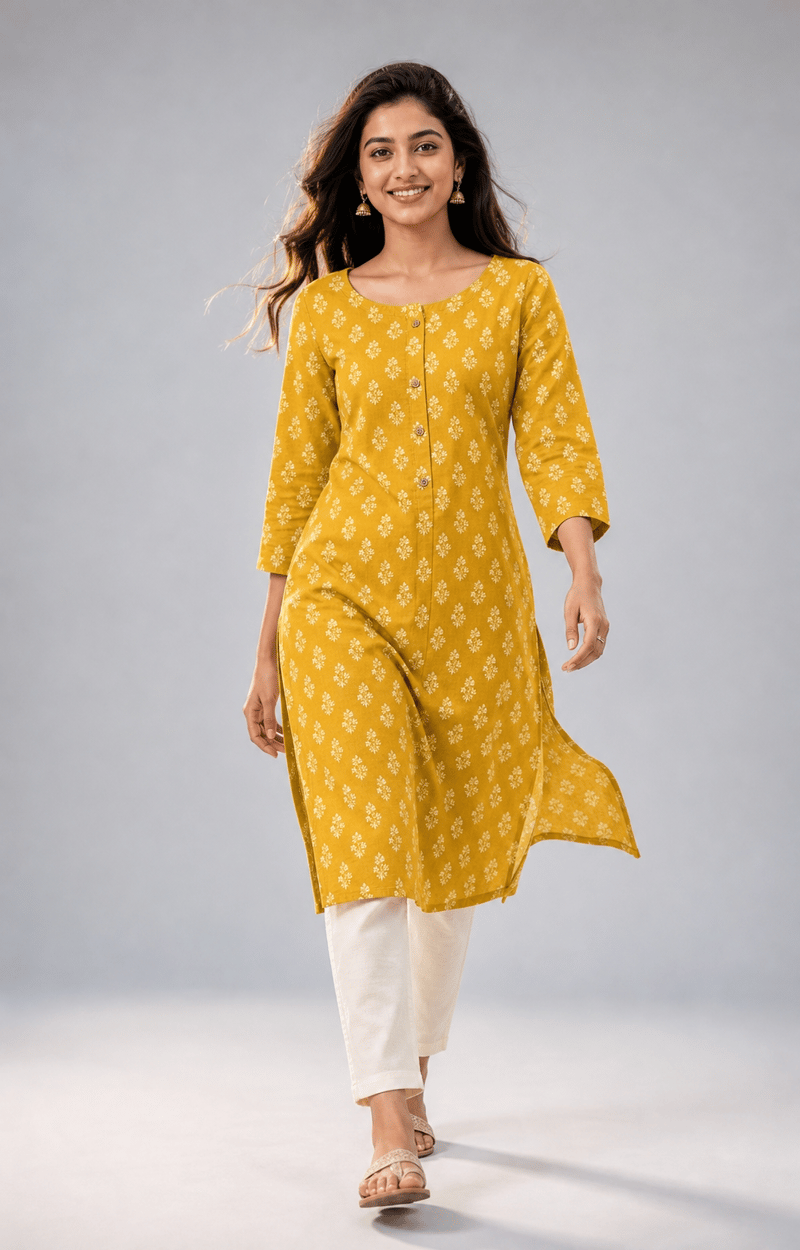
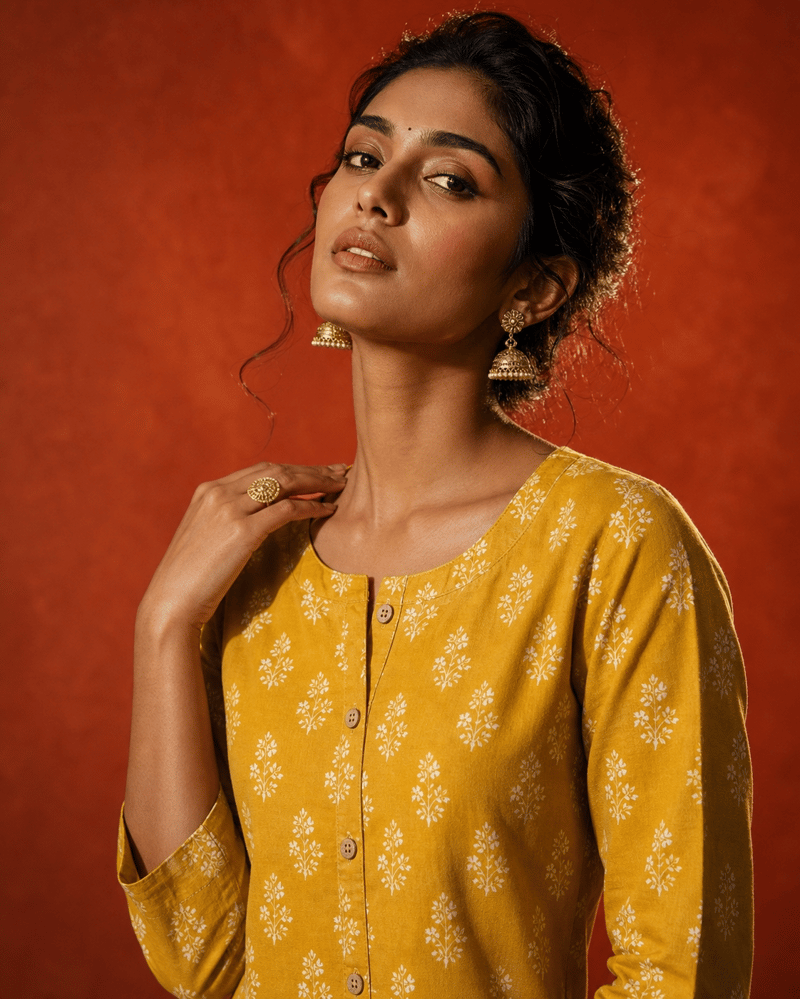
An AI fashion photoshoot turns flat-lay or garment photographs into photorealistic on-model images, without booking a model, a studio or a photographer. You upload the garment as you already photograph it; the output is the same piece worn, lit and styled as an on-model shot.
The garment is taken from your photograph rather than invented, so the print, colourway and cut stay true to the item you actually ship. That constraint is what separates it from generating a fashion image from a text prompt, where nothing is anchored to a real product.
- Flat lay or ghost-mannequin photo in, on-model image out
- Women's, men's and kids' wear
- Built for ecommerce listings, catalogues and paid social
- No model release or studio booking required
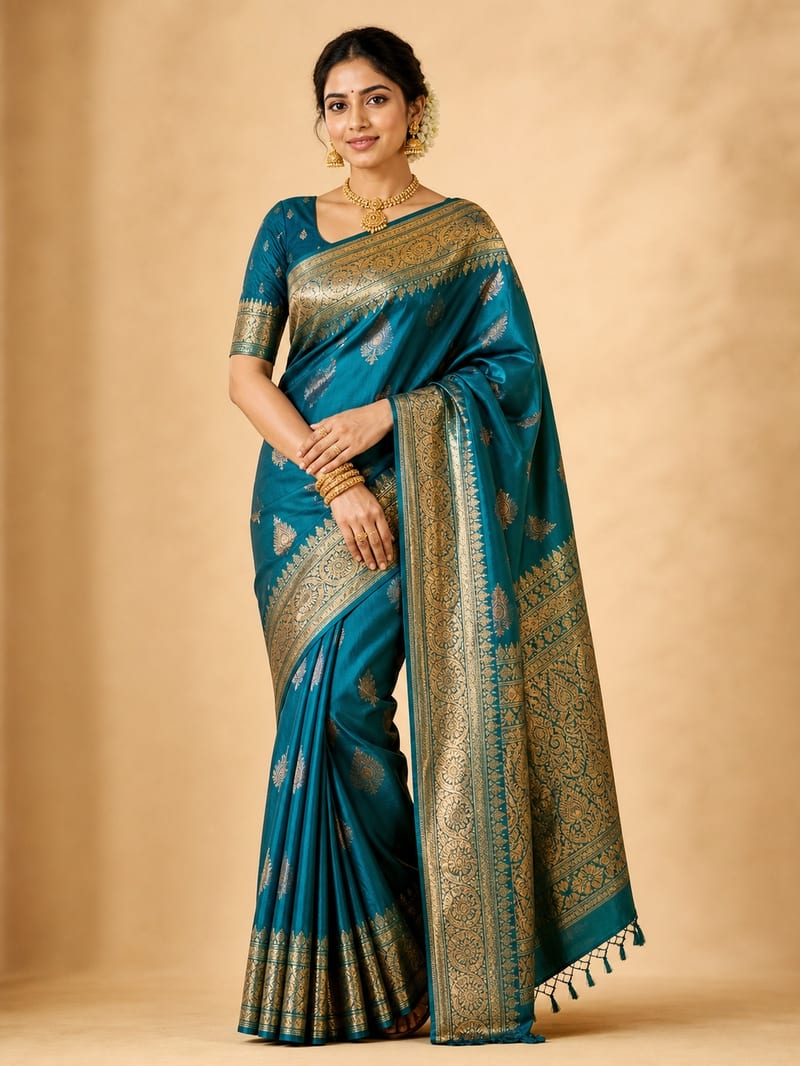
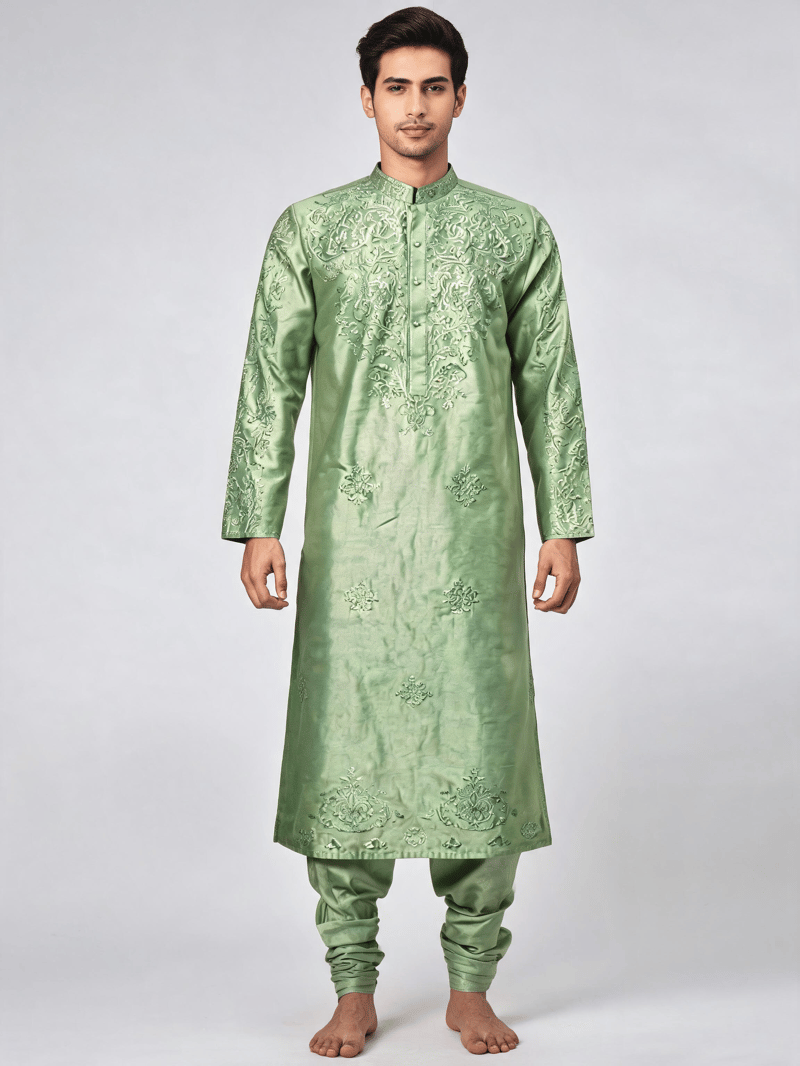
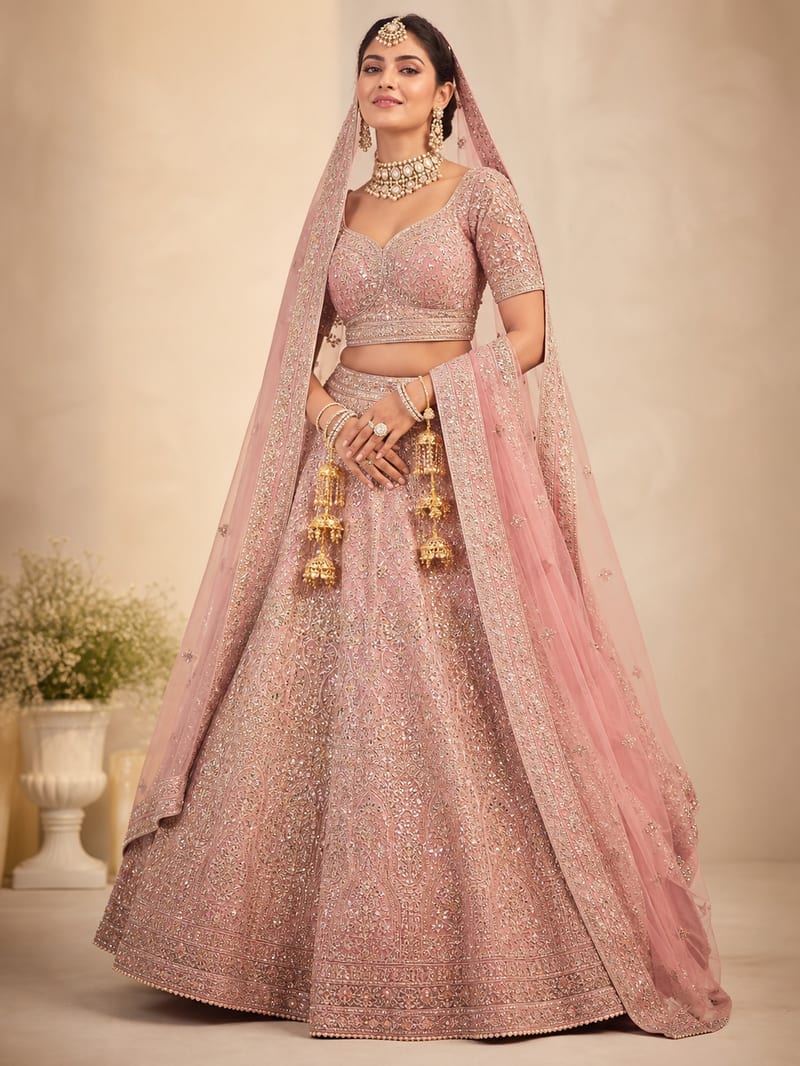
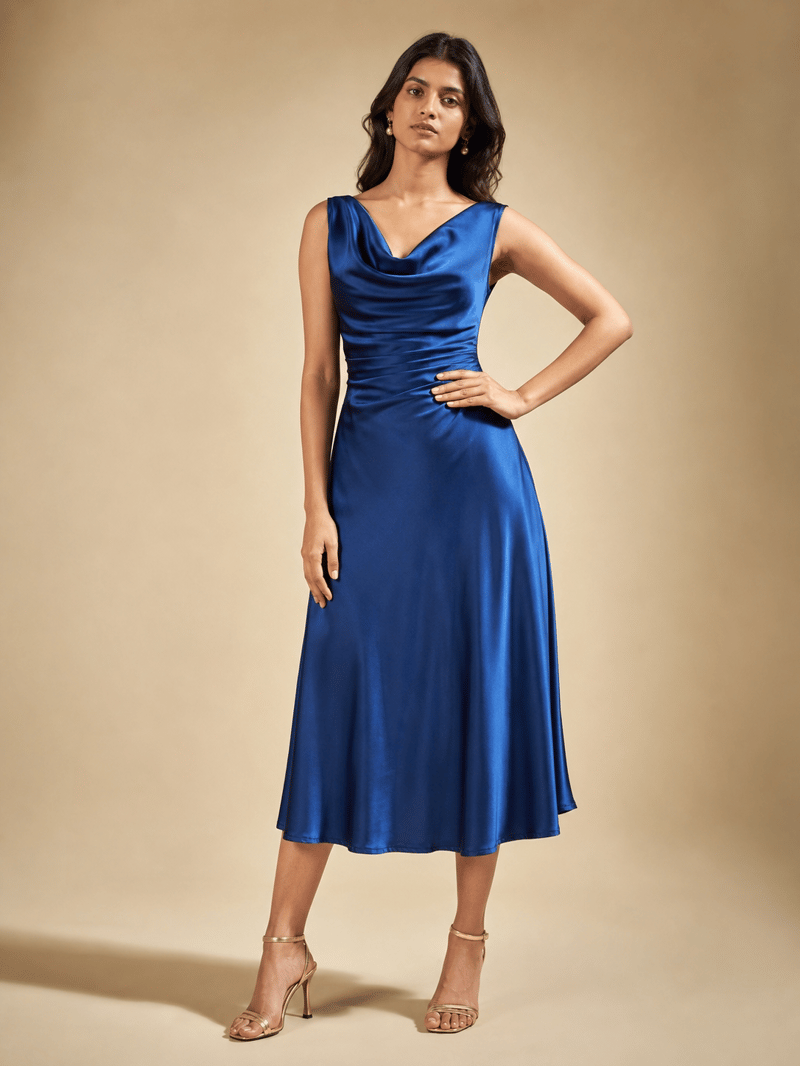
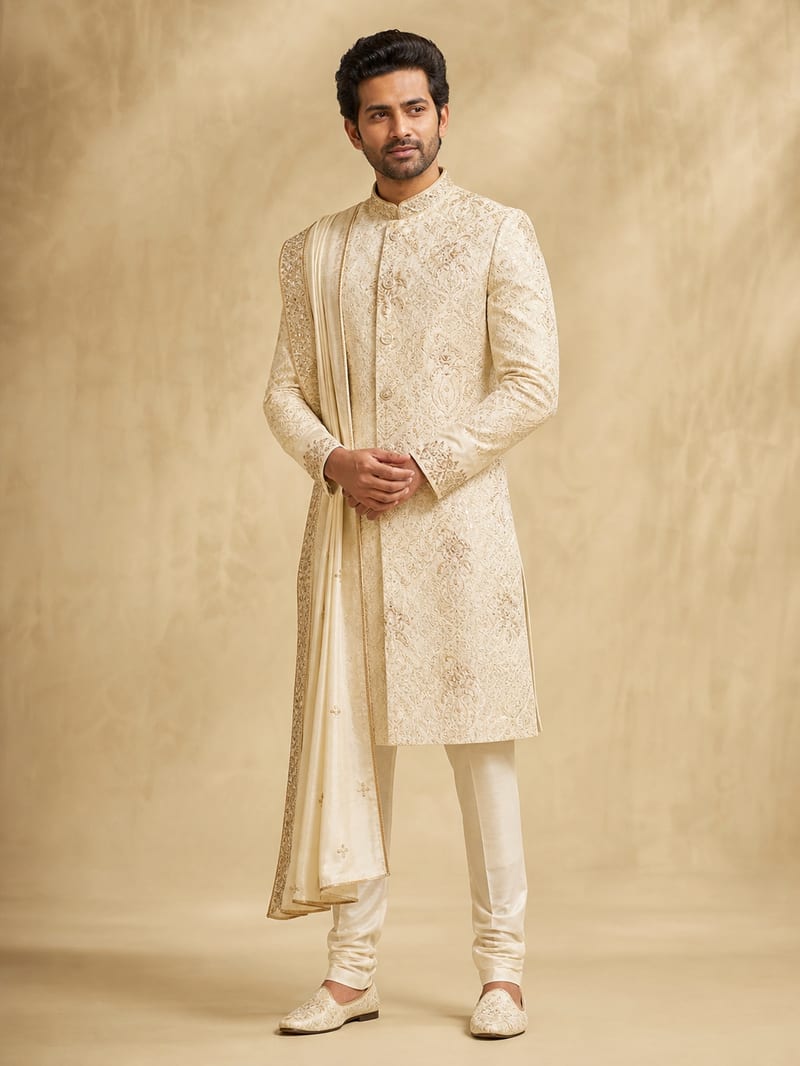
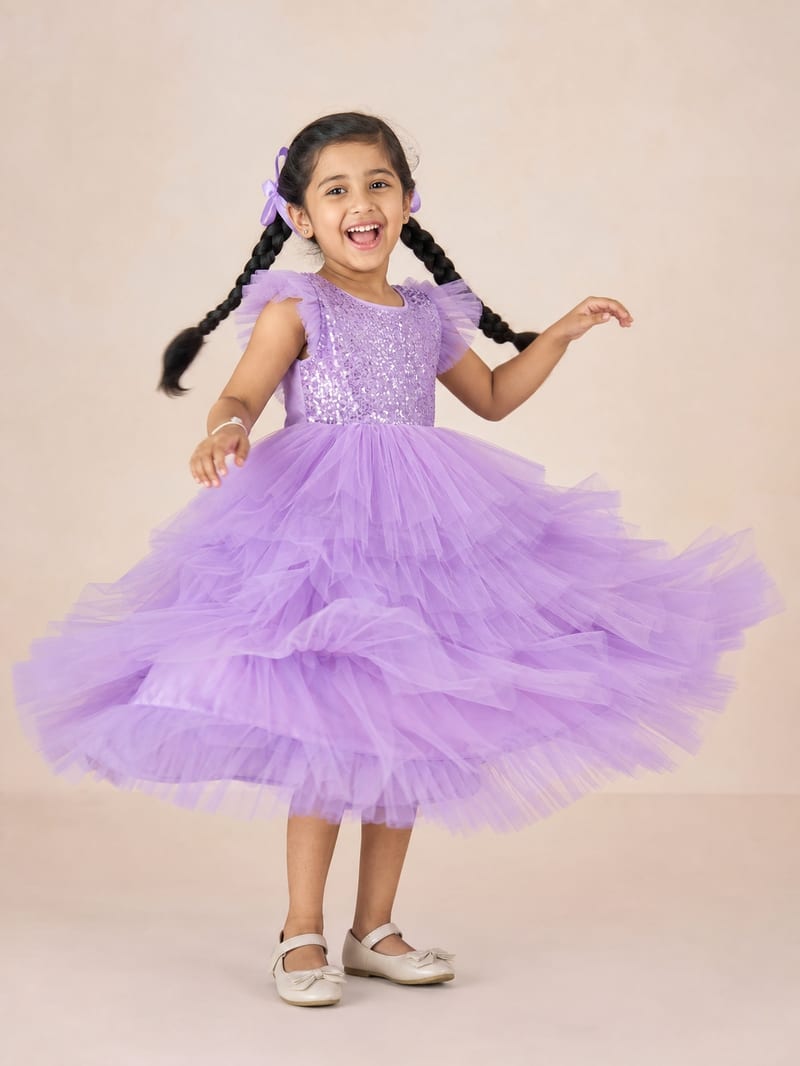
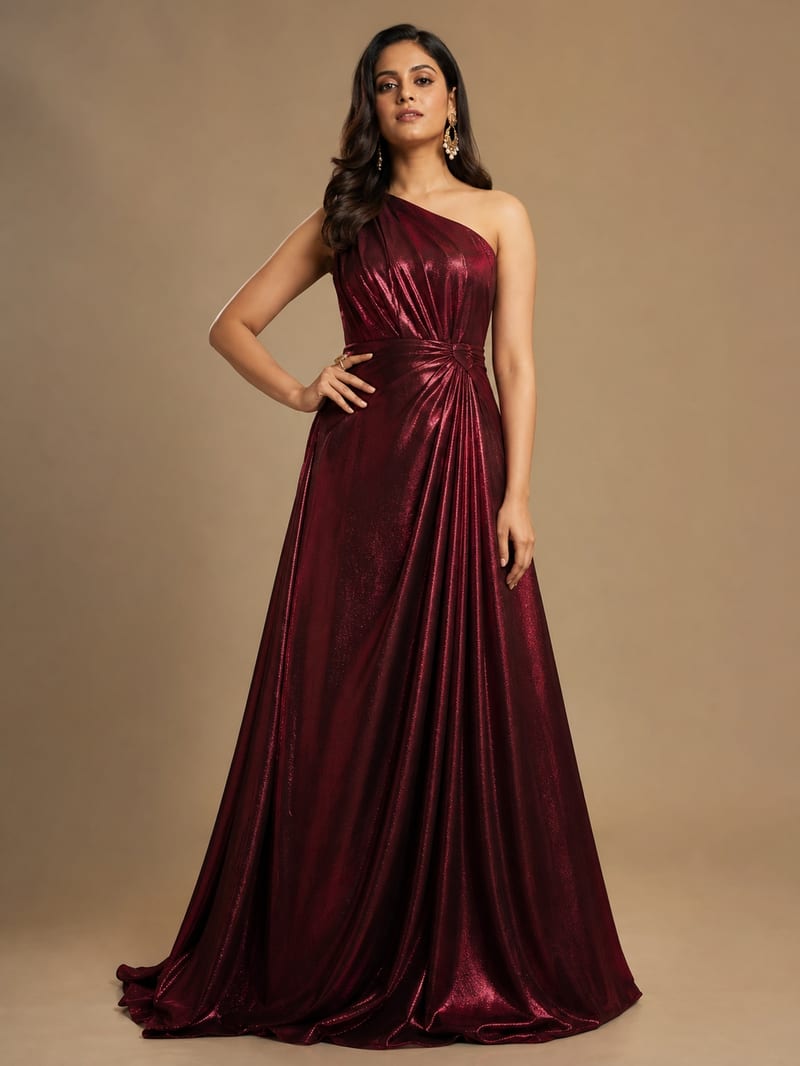
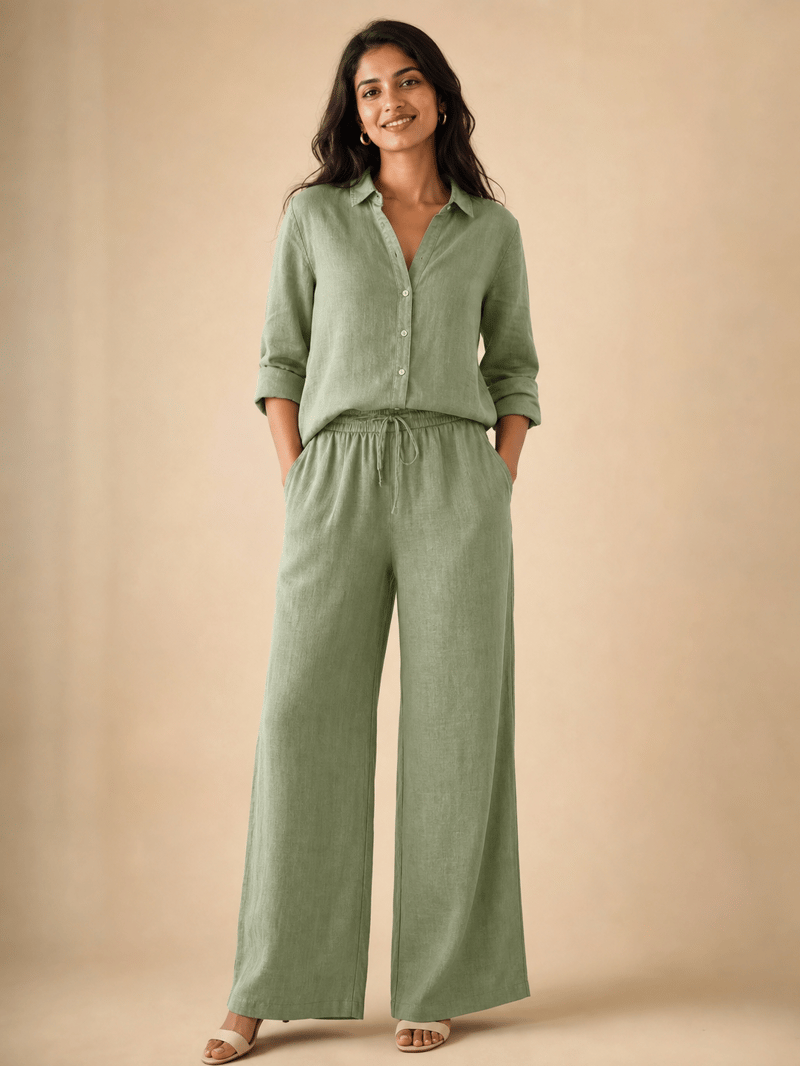
Watch it happen
Your Product, Moving on a Model
Women's Men's Kids
Swipe to see more
Every clip was generated by Pixla AI from a product photo.
Every audience you sell to
Women's. Men's. Kids. One Upload Each.
Whoever your customer is, show the garment on a model they can picture themselves (or their kids) in.
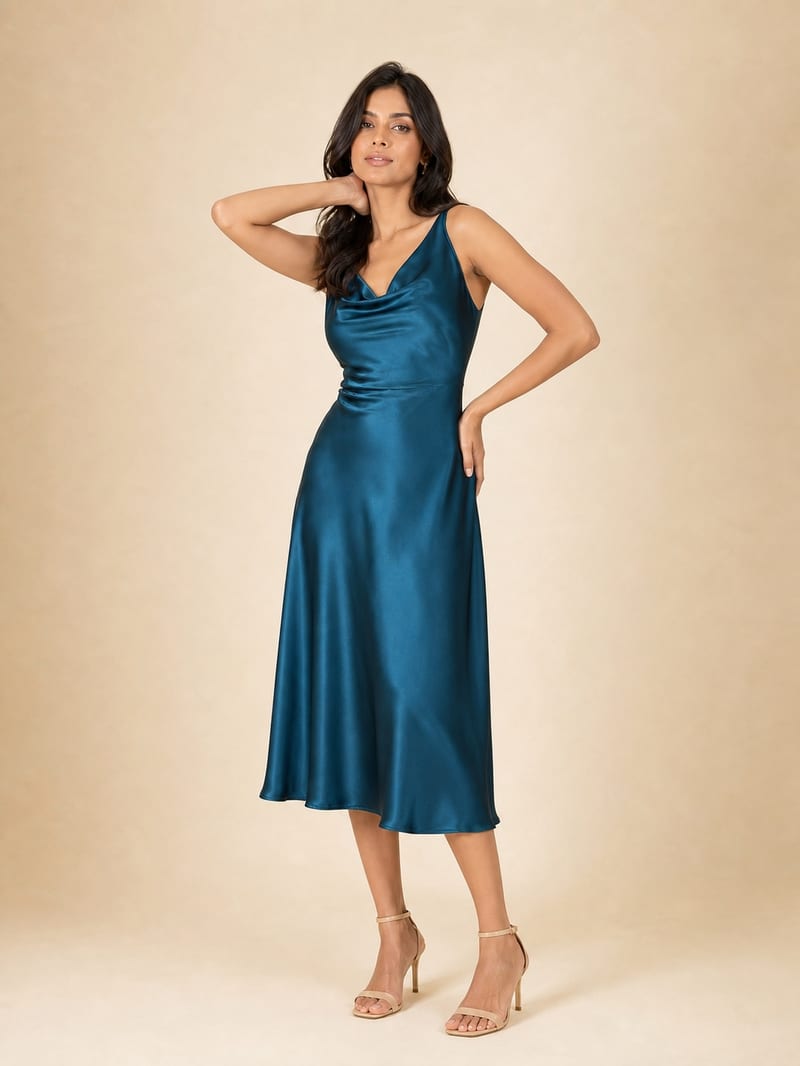
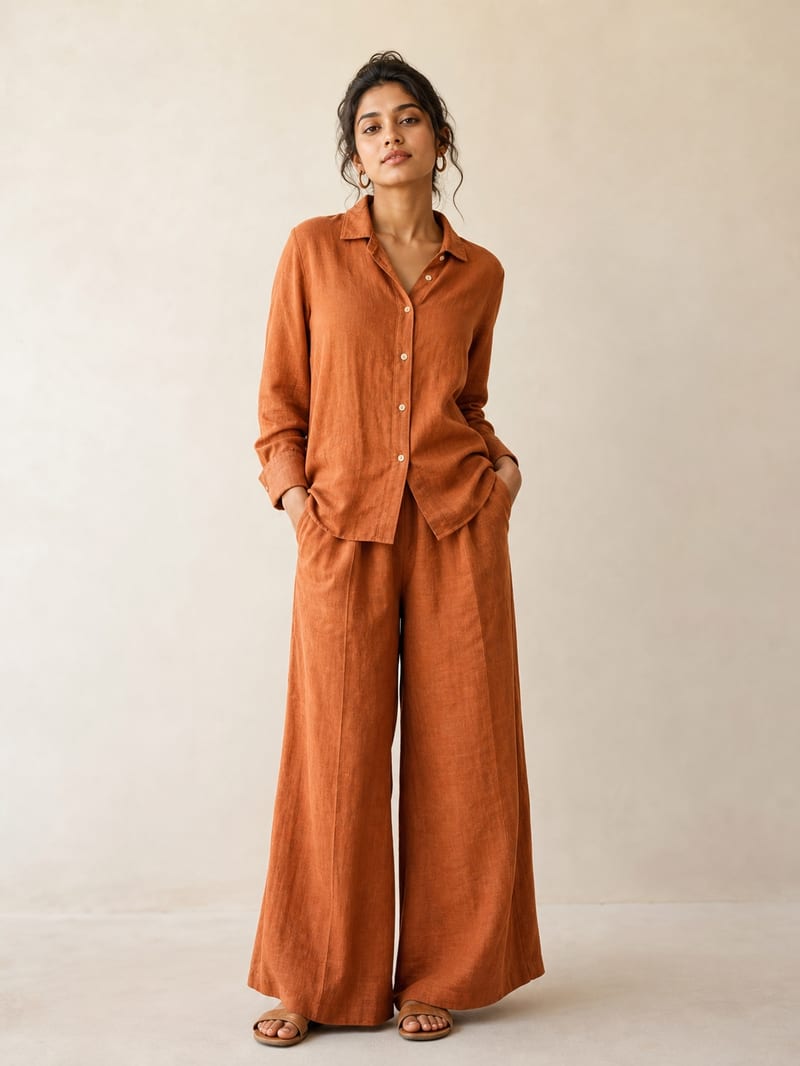
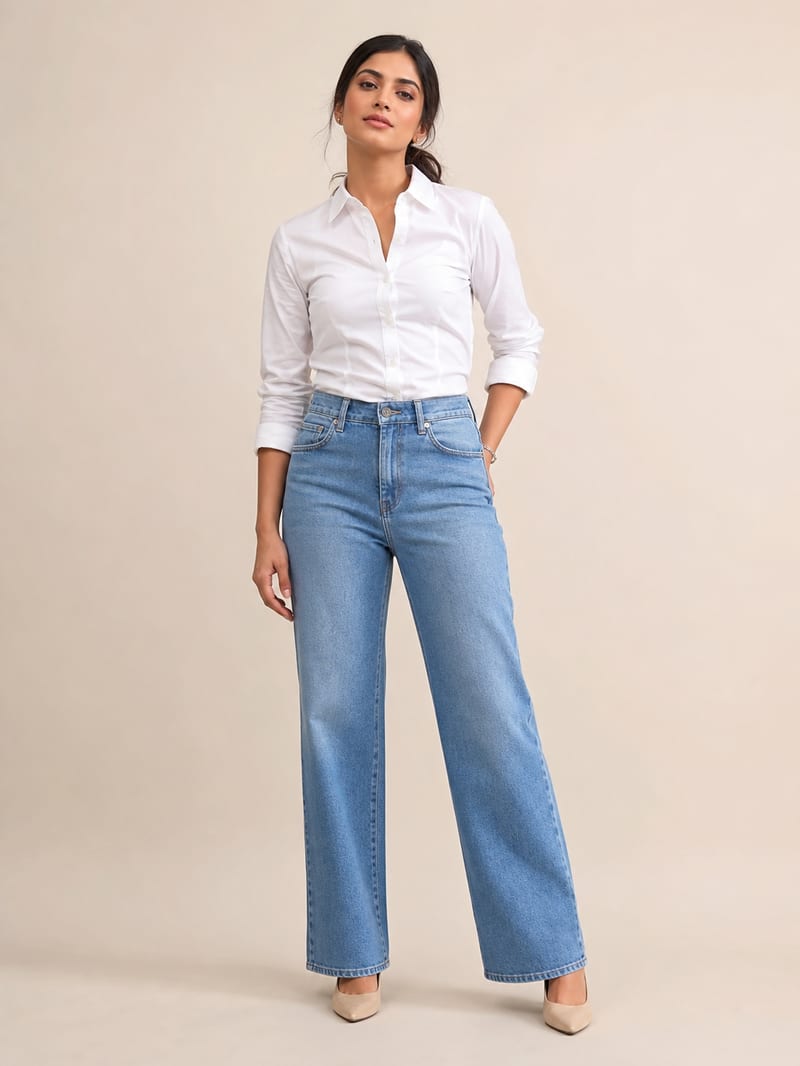
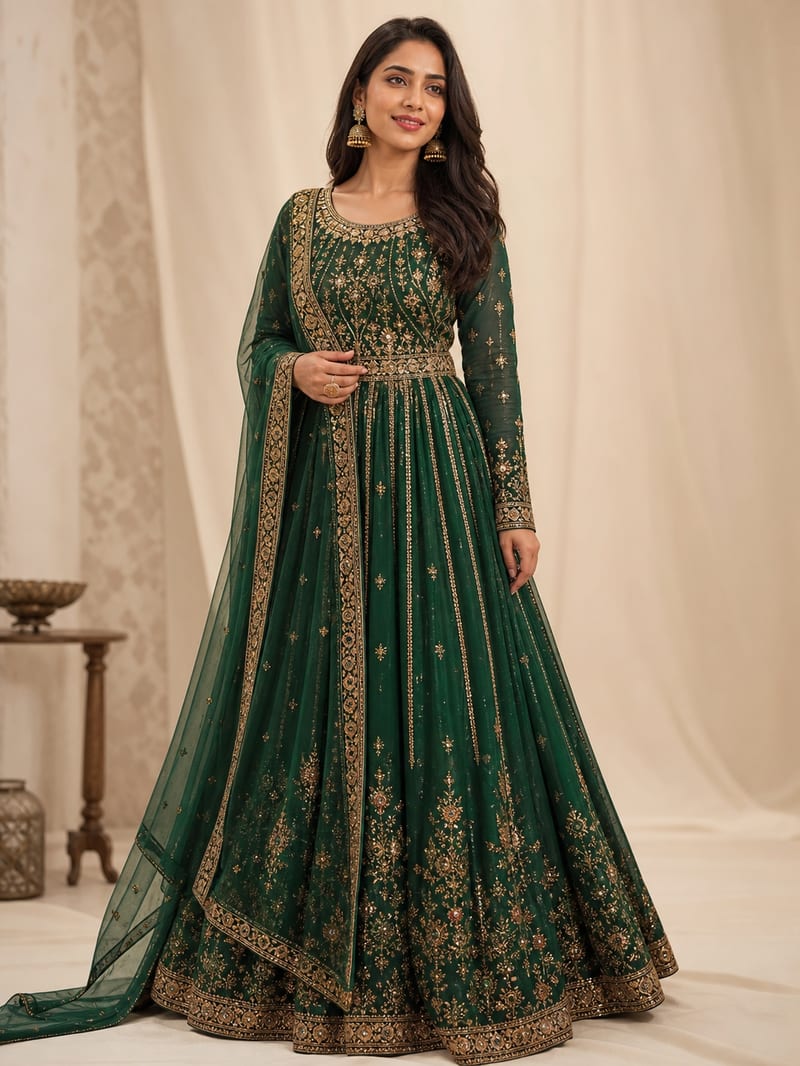 Dresses1 / 5
Women's Wear
From everyday dresses to bridal wear — shown on models that match your customer.
See the transformation
The Photo You Have vs. the Photo That Sells
Drag each slider. Every after-image started as an ordinary product photo — the kind already sitting in your camera roll.
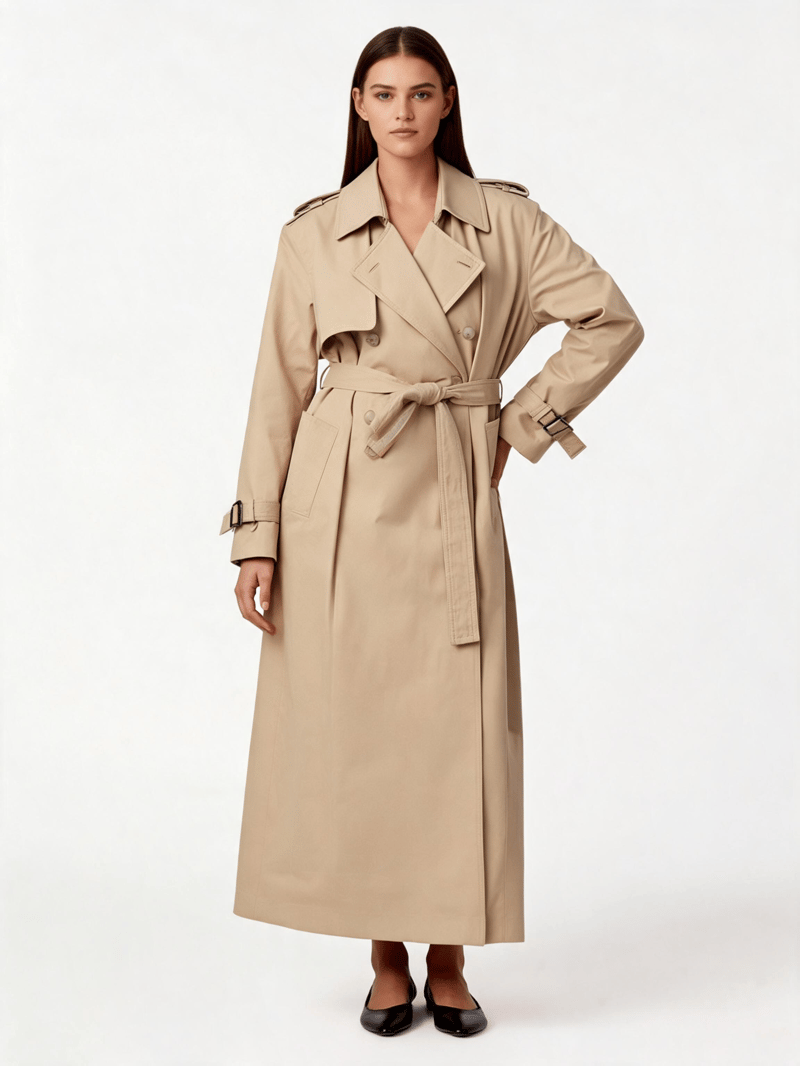
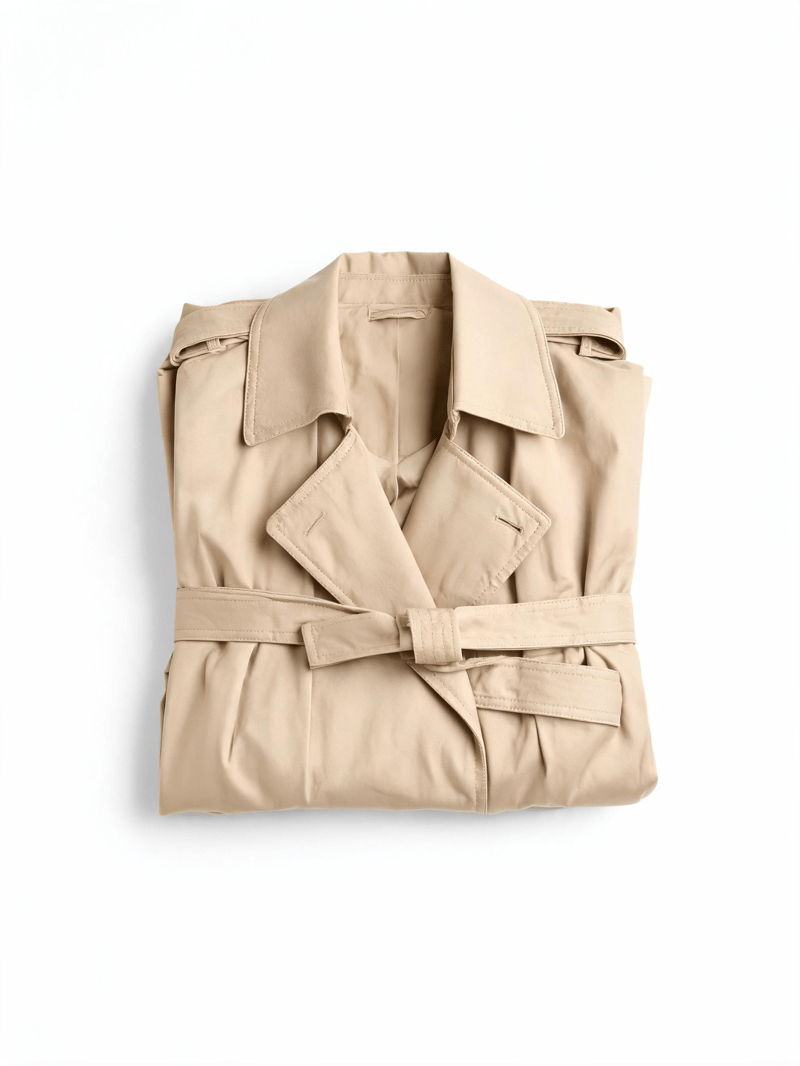
The photo you already take becomes the photo that sells.
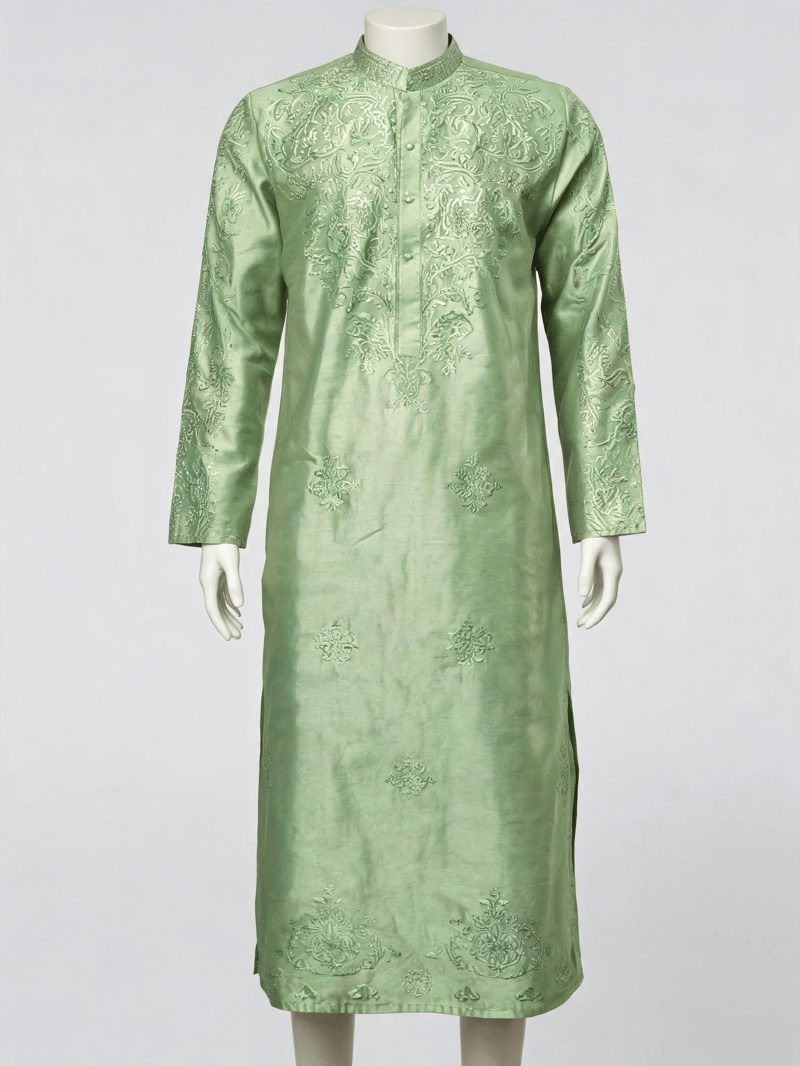
Mannequin and ghost-mannequin shots become natural model photos.
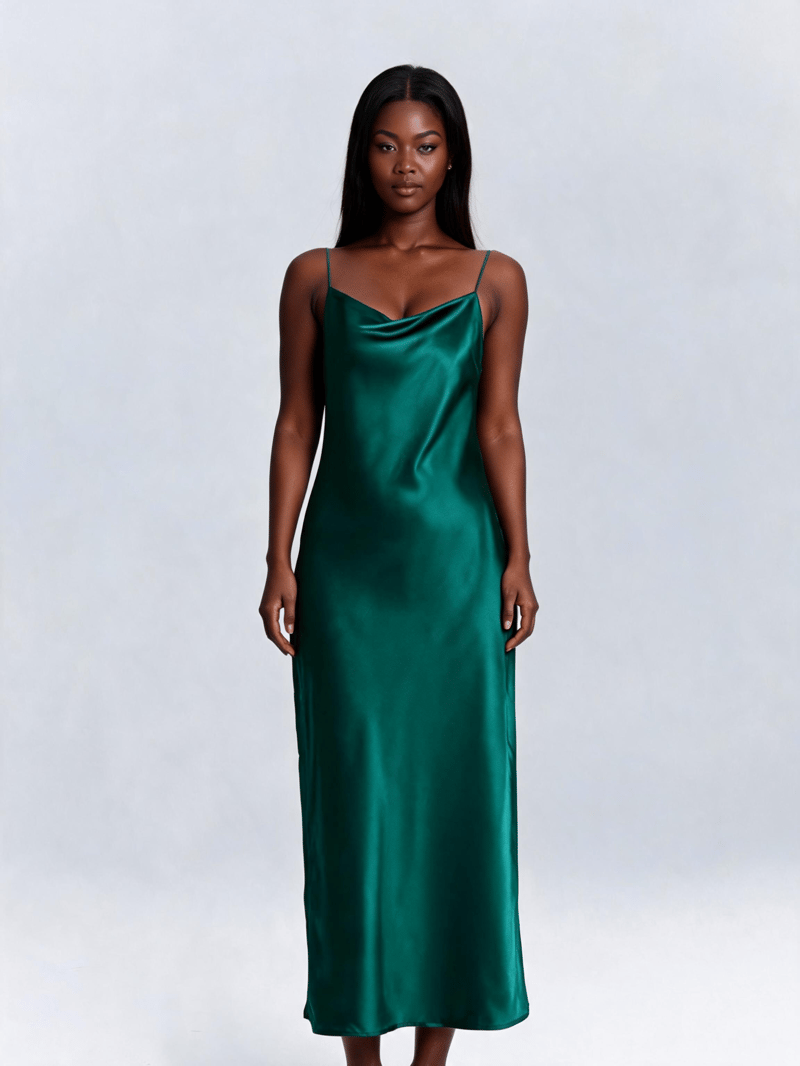
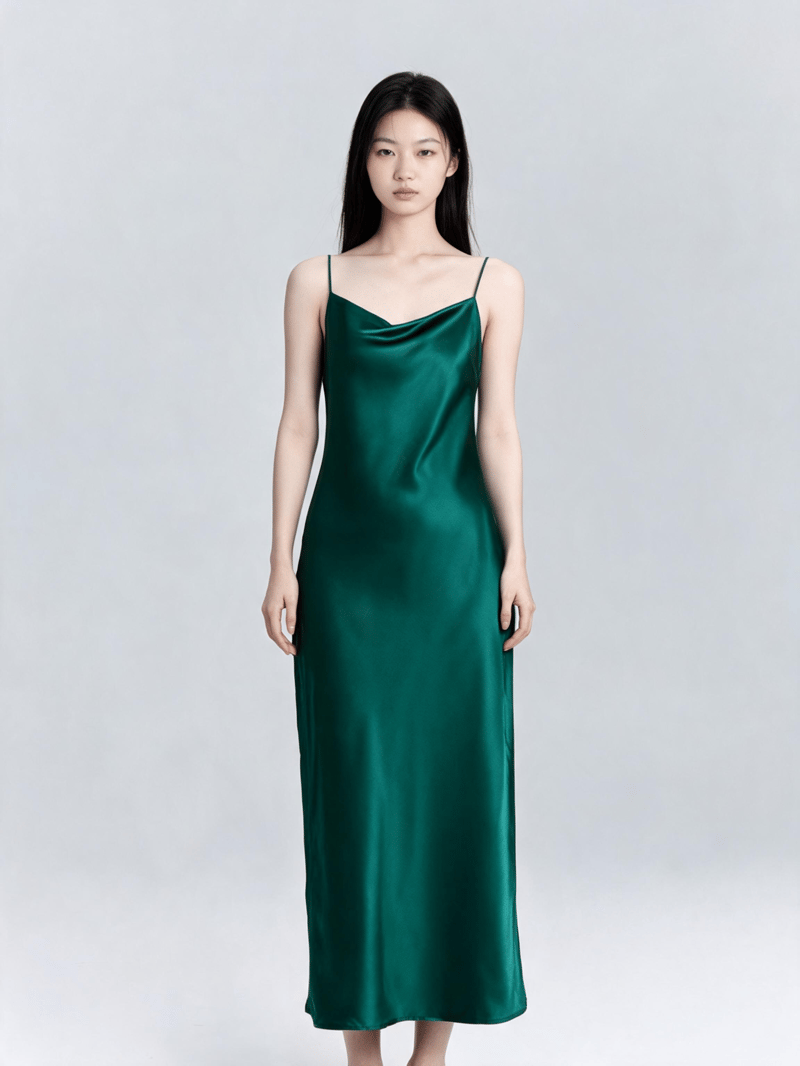
Show the same piece on different models from one upload.
The premium rack
Looks That Sell, Straight from a Product Photo
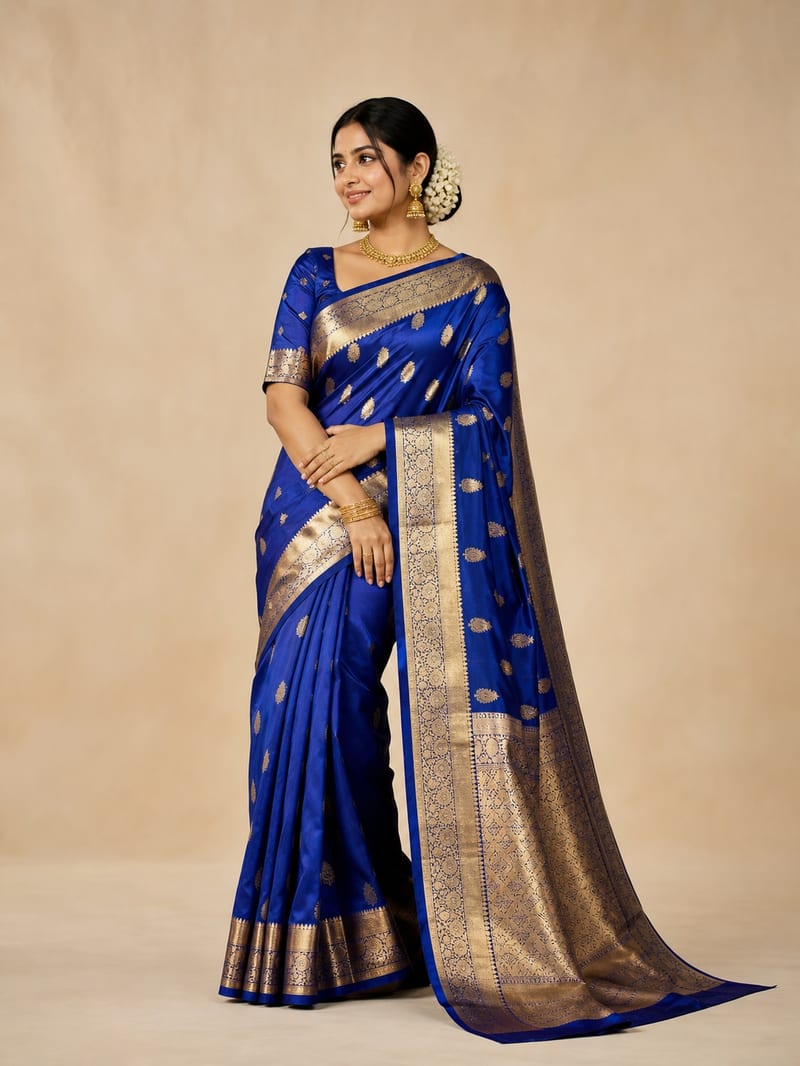
Gowns, sarees, lehengas, sherwanis, kids party wear — every one generated from an ordinary garment photo, no photoshoot involved.
What changes for your business
Photoshoot Problems, Solved at the Source
Days → Minutes
Listing speed
New stock goes live with on-model photos the day it arrives — no waiting on a shoot date.
Zero bookings
No coordination
No chasing models, photographers, studios, or kids who won't sit still for the camera.
1 photo → Many looks
More from less
One garment photo becomes multiple model options, poses, and presentation styles.
Try before you pay
Zero risk
Free credits work on your real stock. Judge the quality yourself before spending anything.
More from less
One Photo In. A Whole Catalog Out.
A traditional shoot gives you one look per booking. With Pixla, the same garment photo becomes different models, poses, and scenes — enough imagery for your product page, ads, and social from a single upload.
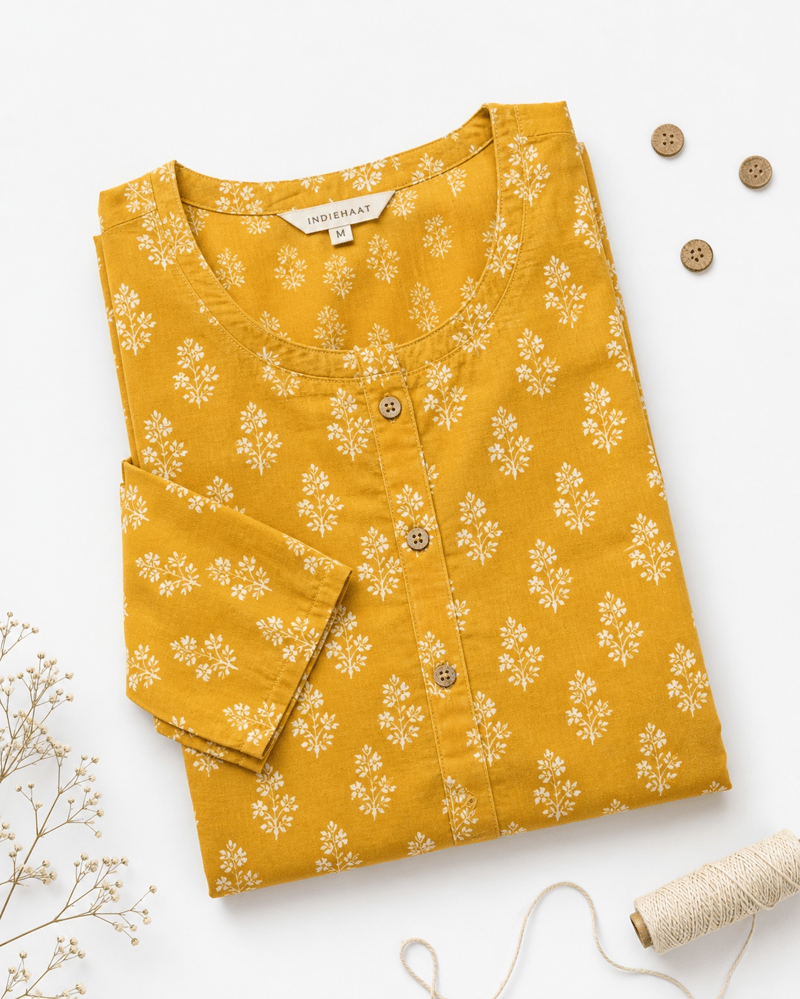
Your one photo
The flat lay you already have
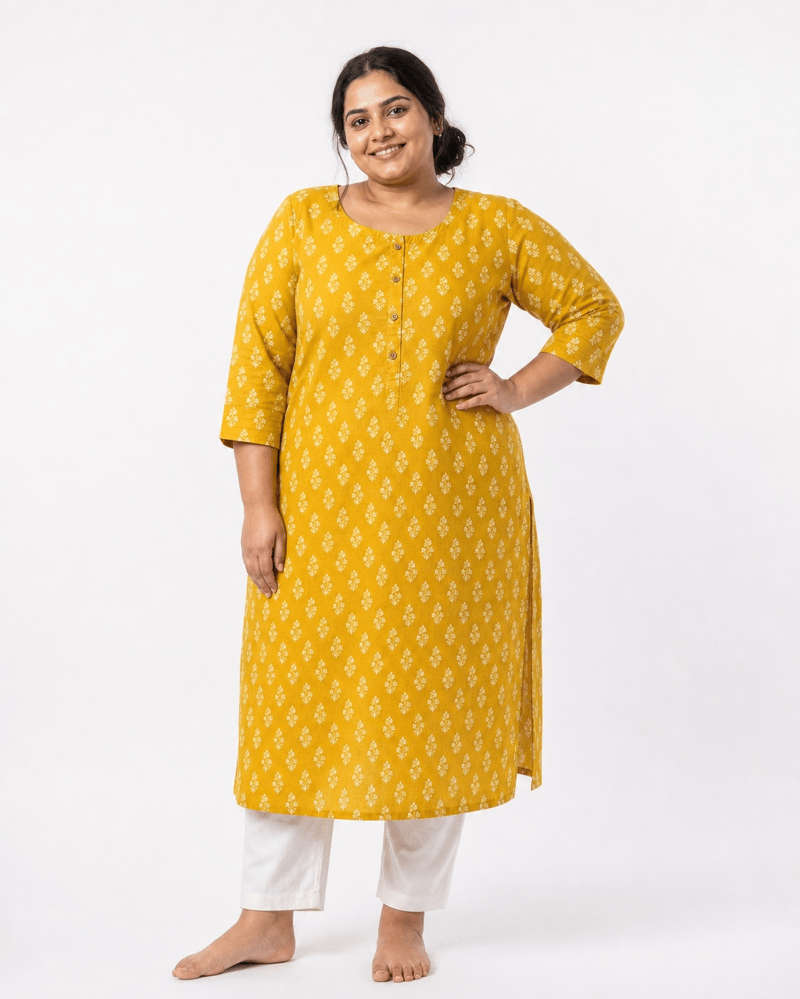
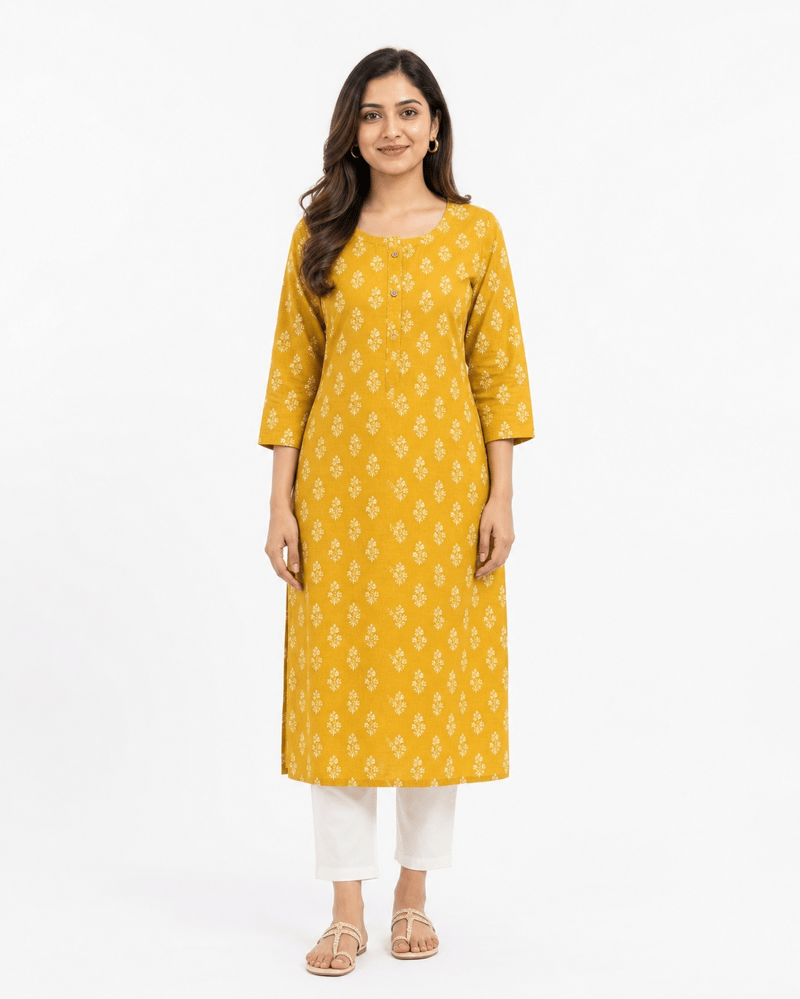
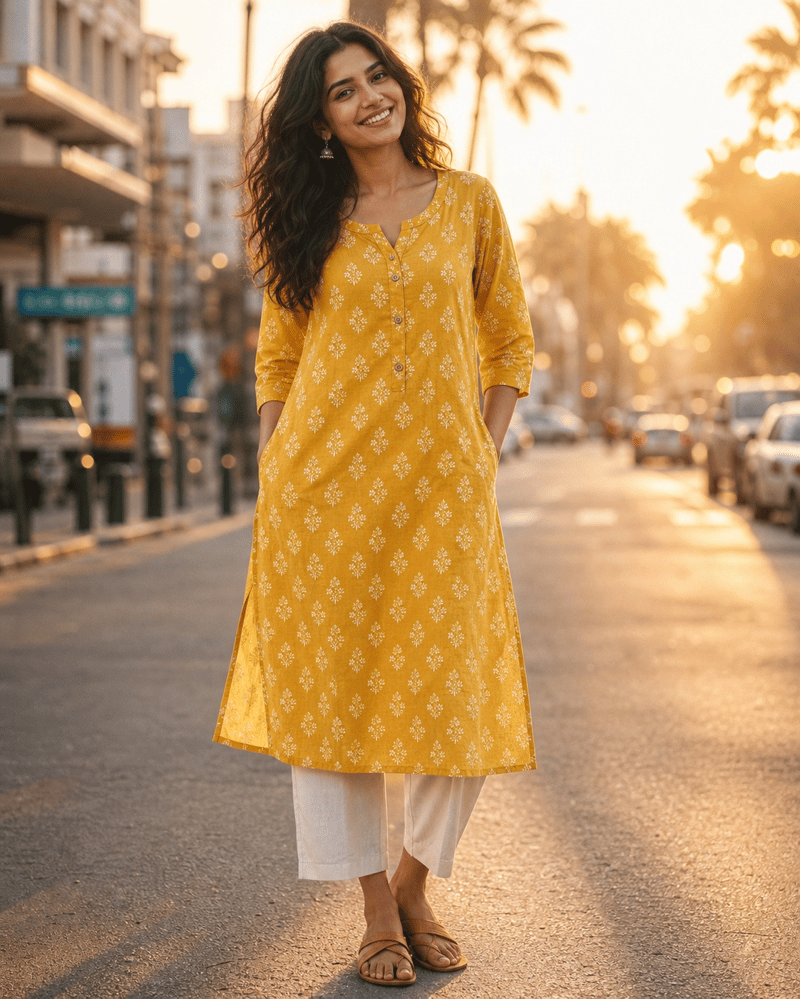
Each look is a few credits — not a few thousand rupees
Why owners switch
A Photoshoot Is a Project. This Is a Click.
The traditional shoot
- Find and book a model (or beg a relative)
- Rent a studio, arrange lighting
- Ship or carry samples to the shoot
- Shoot day — reshoot what didn't work
- Wait days for edited files
- Repeat for every new drop, every season
With Pixla AI
- Upload the garment photo you already have
- Pick a model — women, men, or kids
- Download your on-model image in minutes
How it works
Three Steps. No Learning Curve.
Upload your garment
A flat lay, mannequin shot, or clear photo of the piece — the photos you already take for your listings.
Pick a model
Choose from Pixla's model gallery, or upload a model image you have permission to use.
Download and list it
Export your on-model image and put it on your store, marketplace listing, or ad the same day.
Made for your business
Built for the People Who Sell Clothes
Boutique owners
List new arrivals with on-model photos the day stock lands — not after the next shoot.
Online clothing brands
Keep product pages, drops, and ad creative moving without a production calendar in the way.
Marketplace sellers
Upgrade flat-lay listings on Amazon, Myntra, Flipkart, and Etsy to photos shoppers stop for.
Resellers & thrift stores
One-of-a-kind pieces never justify a photoshoot. Now every item can be shown worn.
Powered by the world's leading AI models
Model names are trademarks of their respective owners, shown to indicate the technology Pixla builds on.
Do the maths
Photoshoot Results, Without Photoshoot Money
What a studio shoot costs
₹20,000 – ₹50,000
3–7 days per shoot
This is what you skip — not a Pixla price.
What you pay with Pixla
A few credits per image
Minutes, not days
Studio figures are typical market estimates and vary by city, scope, and product count.
Try It on Your Own Stock — Free
Don't take a landing page's word for it. Upload one of your own garments and judge the result yourself.
- 25 free credits when you sign up
- Free exports include a watermark
- Commercial use available on paid plans
No credit card required
Secure payments when you upgrade
Test it on your own stock first
Your free credits work on your real garments — see the result on your own products before paying anything.
You approve every image
Results can vary — review each image for color and detail accuracy before it goes on a live listing.
Your photos stay yours
Uploads remain accessible through your account. See our Privacy Policy for how images are handled.
Your uploads remain accessible through your account. See our Privacy Policy for details.
Questions Owners Actually Ask
Your Next Drop Doesn't Need a Photoshoot
Women's, men's, or kids — upload one garment, see it on a model, decide for yourself.
Create My First Image FreeNo credit card required · Free credits to start